Do you want to know how to use ChatGPT to write an email — but not sure where to start? You are not alone. Millions of people are discovering that ChatGPT can write professional, polished emails in seconds — even if you have never used AI before.
In this beginner-friendly guide, you will learn exactly how to use ChatGPT to write an email, step by step. No technical background needed. Just follow along and you will be sending better emails today.
How to Use ChatGPT to Write an Email: What You Need First
That’s it. No downloads, no complicated setup. ChatGPT works directly in your web browser on any computer, phone, or tablet.
Step 1: Open ChatGPT
Go to chat.openai.com in your web browser (Chrome, Safari, or Edge all work fine)
Click “Sign Up” to create your free account — it only takes two minutes
Once logged in, you will see a text box at the bottom that says “Message ChatGPT”
That text box is where everything happens. This is where you tell ChatGPT what kind of email you need.
Step 2: Tell ChatGPT What You Need
This is the most important step when you learn how to use ChatGPT to write an email. The more detail you give, the better the result.
Use this simple formula every time:
“Write me an email to [who] about [what]. The tone should be [polite/firm/friendly]. Keep it [short/detailed].”
4 Real Examples You Can Copy Right Now
Complaint to your bank:
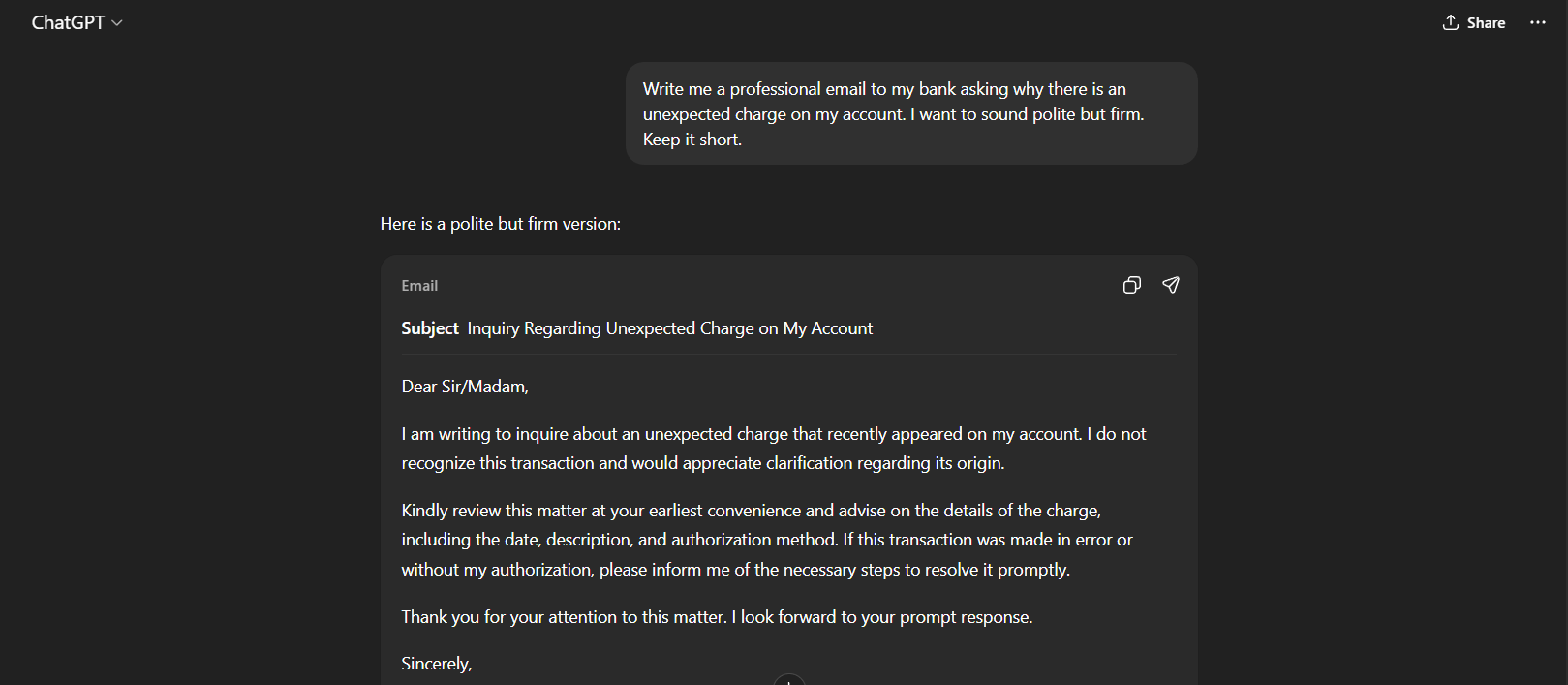
“Write me a professional email to my bank asking why there is an unexpected charge on my account. I want to sound polite but firm. Keep it short.”
Follow-up to your doctor:
“Write me a polite email to my doctor’s office asking about my test results. I had blood work done two weeks ago and have not heard back yet.”
Thank you to a colleague:
“Write a warm, friendly thank you email to my coworker Sarah who helped me finish a project last week.”
Refund request:
“Write a firm but polite email to an online store asking for a refund on an item that arrived damaged. I ordered it three weeks ago.”
Step 3: Read the Email ChatGPT Writes
After you type your request and press Enter, ChatGPT will write a complete email in just a few seconds. It will include:
A clear subject line
A professional greeting
The full body of the email
A polite closing and signature line
Read it carefully. Does it cover what you need? Does the tone feel right for your situation?
Step 4: Ask ChatGPT to Make Changes
One of the best things about knowing how to use ChatGPT to write an email is that you can easily make adjustments. If something is not quite right, simply tell ChatGPT what to change — no need to start over.
Try phrases like these:
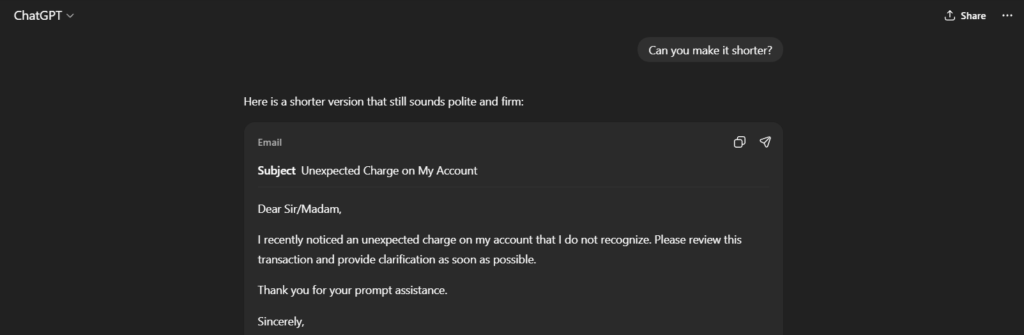
“Can you make it shorter?”
“Can you make the tone more polite?”
“Can you add a line asking them to reply by Friday?”
“Can you make it sound less formal?”
“Can you sign it with my name, Margaret?”
ChatGPT will rewrite the email immediately based on your feedback.
Step 5: Copy and Send Your Email
Once you are happy with the result:
Click and drag to highlight the email text
Press Ctrl+C (Windows) or Command+C (Mac) to copy it
Open your email app — Gmail, Outlook, Yahoo Mail, or any other
Paste the email into a new message
Add the recipient’s email address and press Send
That is all there is to it. You have just used AI to write a professional email.
5 Types of Emails ChatGPT Writes Extremely Well
Now that you know how to use ChatGPT to write an email, here are the most useful situations where it really shines:
1. Professional Work Emails
Requesting a meeting, following up on a project, asking for time off — ChatGPT handles all of these clearly and professionally.
2. Complaint Letters
Whether it is a utility company, a bank, or a government office — ChatGPT knows how to sound firm and confident without being rude.
3. Medical Correspondence
Following up with your doctor, contacting an insurance company, or writing to a pharmacy — ChatGPT helps you sound organized and clear.
4. Personal Thank You Notes
Birthdays, favors, gifts, or just checking in — ChatGPT writes warm, genuine messages that feel personal.
5. Job Applications and Cover Letters
Even if you have not applied for a job in many years, ChatGPT can help you write a strong, confident cover letter that gets noticed.
5 Tips for Getting Better Results
Here are the best tips to improve your emails when using ChatGPT:
Be specific. Instead of saying “write me an email to my bank,” say “write me an email to Chase Bank asking why my account was charged $47 on March 15th.”
Mention the tone. Words like “polite,” “firm,” “friendly,” “professional,” or “urgent” help ChatGPT match the right mood.
Set the length. Say “keep it under 100 words” or “make it detailed with a full explanation” to control how long the email is.
Include your name. Add “please sign it with my name, Robert” at the end of your request so the email is ready to send.
Give background context. The more information you give ChatGPT, the more accurate and natural the email will sound.
Common Questions About Using ChatGPT for Emails
Is ChatGPT free?
Yes — ChatGPT has a free version that works perfectly well for writing emails. There is also a paid version called ChatGPT Plus ($20/month) that is faster and has extra features, but the free version is more than enough for most people.
Is it safe to use ChatGPT for emails?
Yes, for general email writing it is safe. However, never type sensitive personal information like passwords, full bank account numbers, or social security numbers into ChatGPT. Keep your prompts focused on what you want to say, not private data.
Can ChatGPT send the email for me?
No — ChatGPT only writes the email. You still need to copy it and send it through your own email app (Gmail, Outlook, etc.).
What if the email does not sound like me?
Just ask ChatGPT to adjust it. Say “make it more casual” or “I would not say it that way — can you simplify it?” It will keep rewriting until it sounds right to you.
Try It Now — 3 Copy-Paste Prompts to Get Started
Here are three prompts you can use in ChatGPT right now:
Prompt 1 — Utility bill complaint:
“Write me a short, polite email to my internet provider asking why my monthly bill went up. I have been a loyal customer for 5 years and would like them to explain or offer a discount.”
Prompt 2 — Landlord repair request:
“Write a professional email to my landlord asking them to fix a leaking faucet in my kitchen. I reported this problem two weeks ago and no one has come to fix it.”
Prompt 3 — Reconnecting with an old friend:
“Write a friendly email to an old colleague named James. We have not been in touch for two years and I want to reconnect and catch up.”
Final Thoughts
Learning how to use ChatGPT to write an email is one of the most practical skills you can pick up today. It saves time, removes the stress of finding the right words, and helps you communicate with confidence — whether you are writing to your bank, your boss, a business, or a friend.
You do not need to be a tech expert. You do not need any special skills. All you need is a clear idea of what you want to say, and ChatGPT will say it for you — professionally and instantly.
Ready to try it? Head to chat.openai.com right now and type your first request. You might be surprised how easy it really is.
Looking for more simple AI guides written for everyday adults? Browse our Blog for step-by-step tutorials — no technical background required.and type your first request.